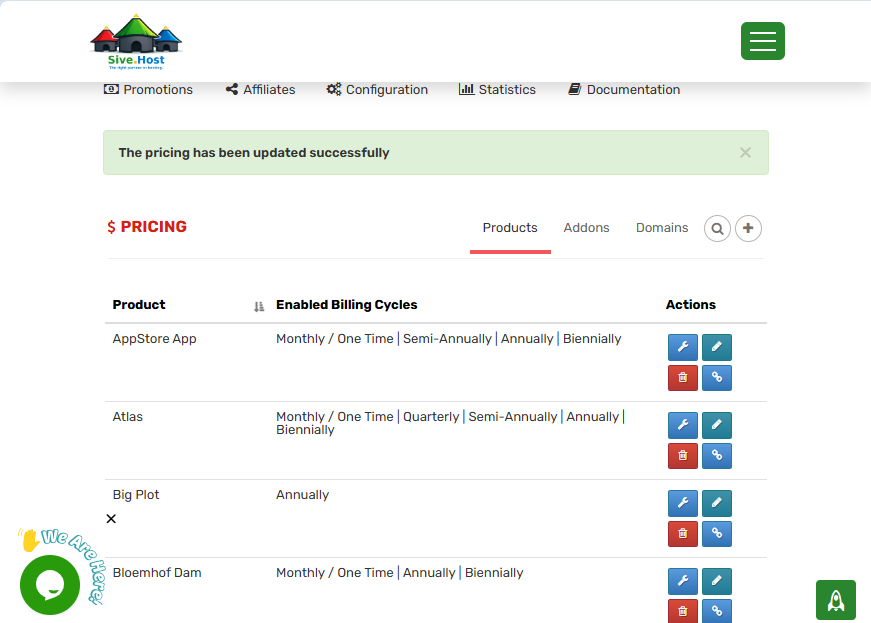
Step 1
-Log in to your client area and direct your self to partners hub.
Step 2
-Above your partnershub page click on pricing
Step 3
-On your top right there is an additional option (+), you click the button.
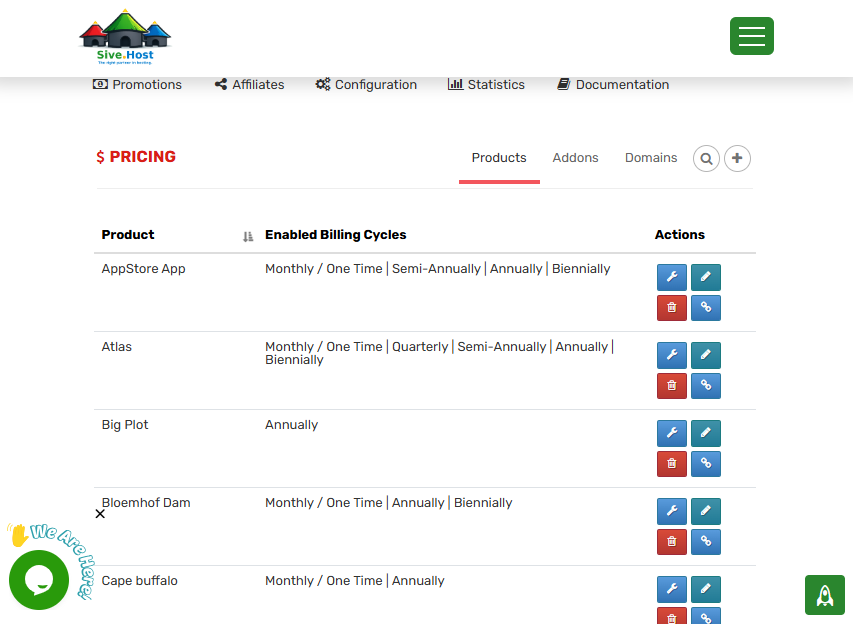
Step 4
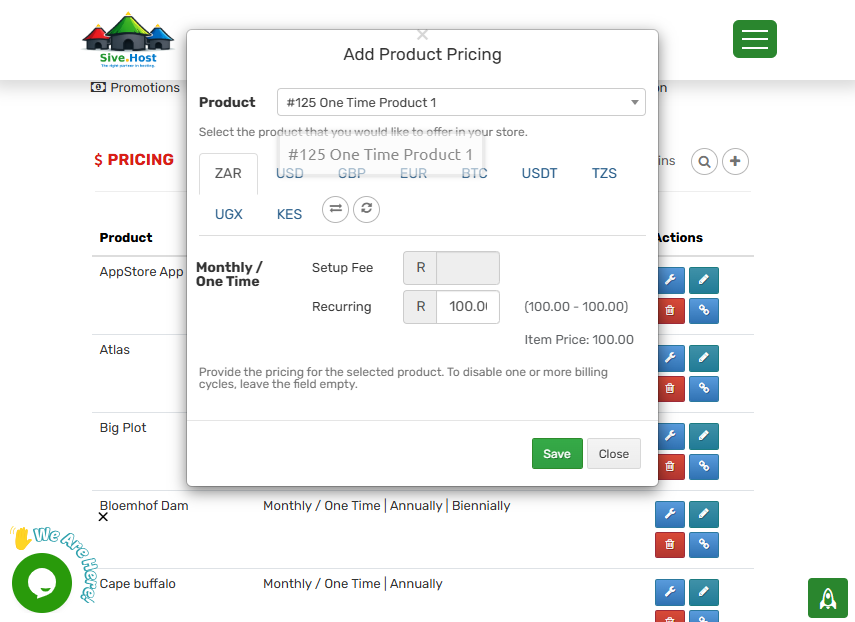
-Select the currency of the product you have chosen to name.
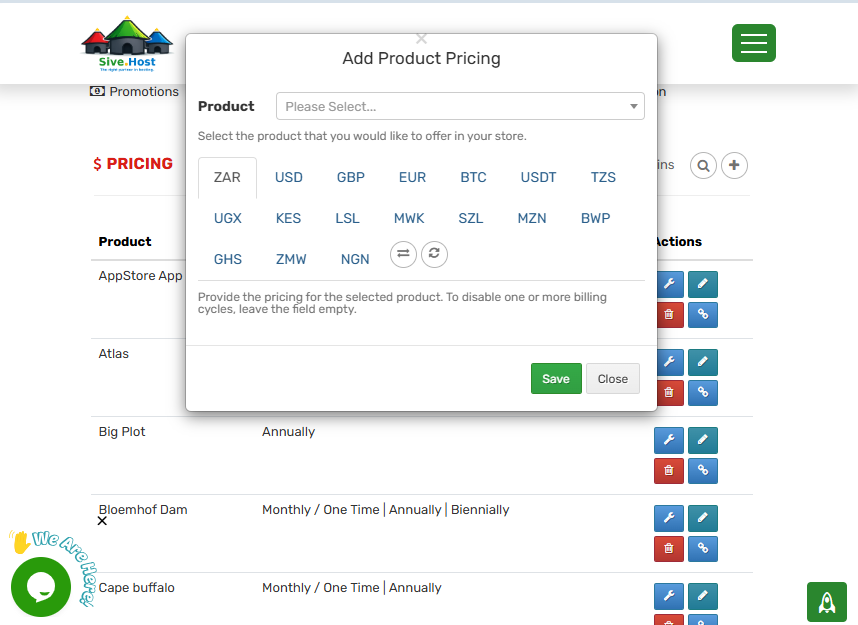
Step 5
-Select the product you would like to price.
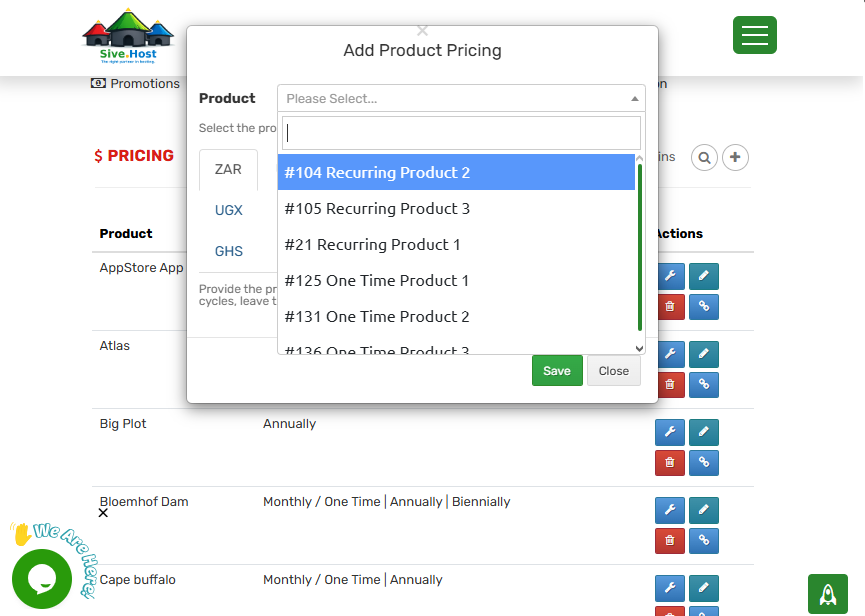
Step 6
-Select the amount of the price you want to have on your product and click on save.
Step 7
-Your product is successfully saved and prized.